
Common heating symptoms
Fan noise, hot keyboard area, sudden shutdowns, reduced gaming performance, and lag during charging can all point toward restricted airflow or weak heat transfer.
Cleaning versus thermal paste
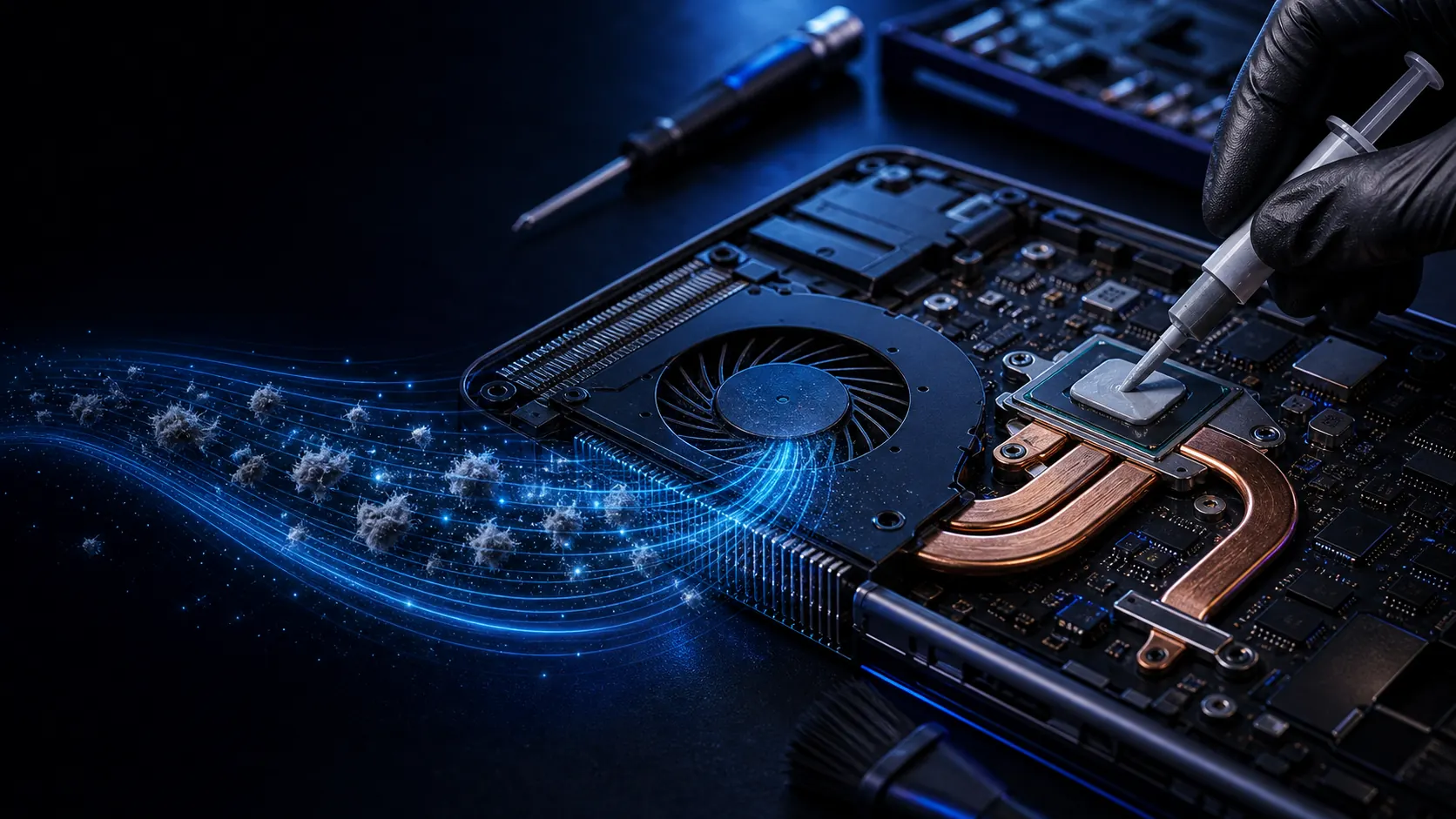
Deep cleaning removes dust from vents, heatsink, fan blades, and internal channels. Thermal paste replacement helps when old paste has dried and the processor cannot transfer heat properly.
Why early service helps
A cooler laptop protects the motherboard, storage, battery, and performance. Waiting until shutdowns become frequent can make the repair more complex.